Connect Outlook, Gmail or other mailboxes and keep email support organized.
Customer Support
EVADO customer support across every channel.
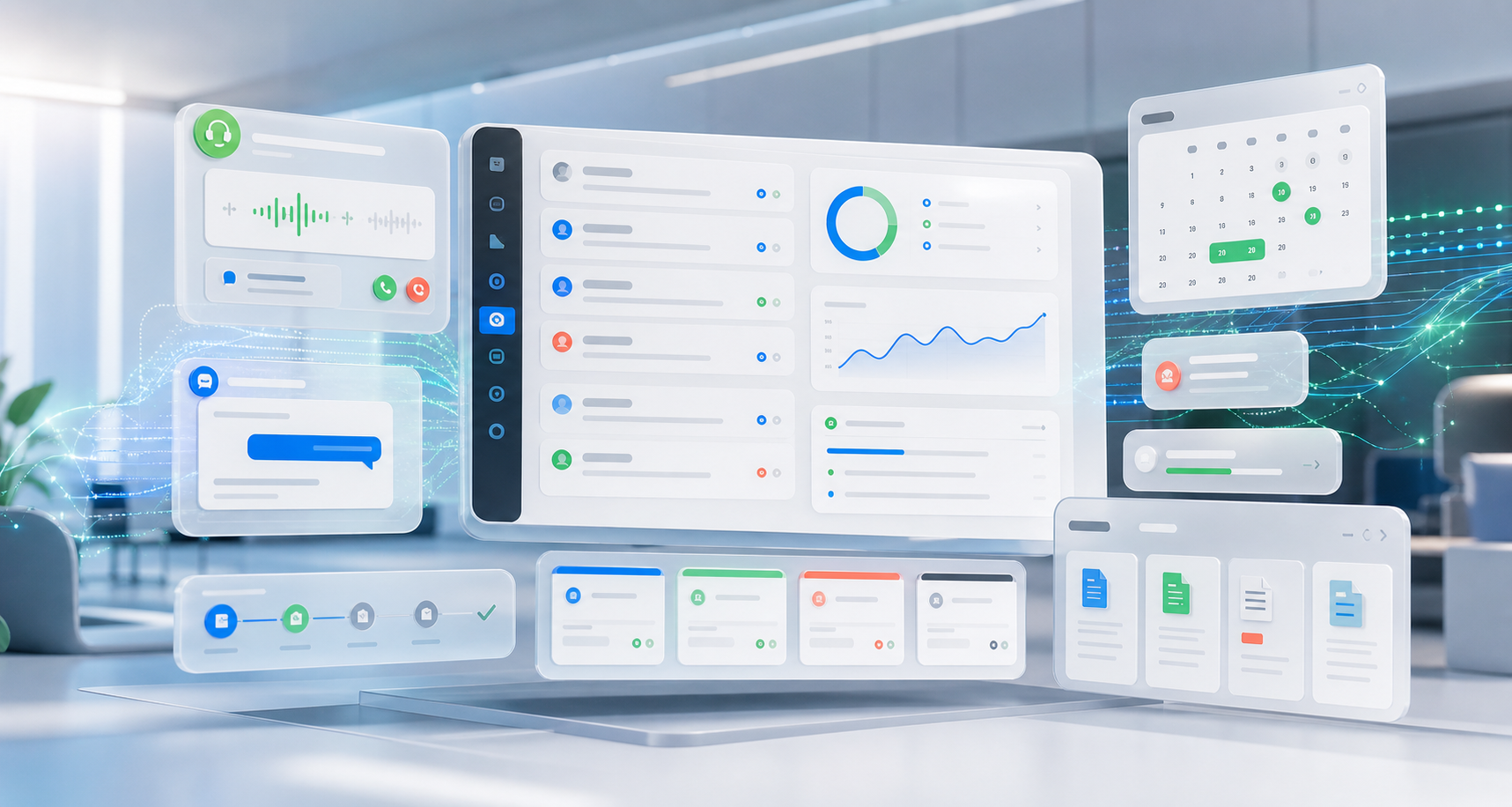
EVADO connects email, live chat, messaging, marketplaces and telephony in one AI support workflow.
One Unified Response Workflow
Understand, prioritize and respond to every inquiry.
Instead of switching between tools and inboxes, manage every customer interaction in one shared workflow. The AI identifies the channel, request, language, context and urgency. Routine questions are answered automatically, while uncertain cases are handed off smoothly to your team.
Channels
Every touchpoint in one support workflow.
EVADO connects the channels your customers already use and delivers consistent responses with a shared view of the context.
Live Chat
Support website visitors through live-chat widgets, each with its own AI agent.
WhatsApp Cloud API
Manage multiple WhatsApp phone numbers with a dedicated AI agent for each.
Facebook Messenger
Connect Facebook Pages with separate AI agents, skills and knowledge.
Instagram Messaging
Assign specialized AI agents to individual Instagram accounts.
Telegram
Manage multiple Telegram bots, each with its own AI agent.
Organize Pinterest accounts and assign specialized AI agents.
TikTok
Handle TikTok customer inquiries in your shared AI-powered support workflow.
Viber
Manage Viber business accounts independently within your support workflow.
Amazon
Assign a dedicated AI agent to each Amazon seller account.
eBay
Manage eBay seller accounts with individual marketplace AI agents.
Telephony
AI telephony identifies the reason for a call and provides answers, creates tickets or arranges next steps.
How It Works
From the channel to the right action.
Capture the Inquiry
The inquiry is received from its channel and linked to customer details, conversation history and its source.
Understand the Request
AI models assess intent, topic, language, urgency and potential risks.
Use Your Knowledge
The inquiry is matched against your knowledge base, FAQs, product data, service policies and internal documents.
Respond or Create a Ticket
Inquiries that can be answered reliably receive a response; complex cases are passed to your team with context.
Benefits
How omnichannel AI responses reduce your support workload.
Faster Response Times
- Automated answers to routine questions
- Support outside business hours
- Shorter waiting times during busy periods
More Context for Every Inquiry
- Channels, conversation history and customer details stay connected
- Less copying between tools
- Seamless handoffs to team members
Consistent Response Quality
- Answers based on approved knowledge
- A consistent tone across every channel
- Clear rules for sensitive or complex cases
Scalable Support
- Handle more inquiries without a proportional increase in staffing
- Automated prioritization and ticket creation
- Your team focuses on the cases that matter